Skip to content
1. Shave first.
Shave the area you plan to treat. The light targets hair at the root, so a freshly shaved surface lets it work properly. No need for waxing or plucking — the Lumilia Lux™ needs that root to do its job.
2. Cleanse and dry.
Skin should be clean, dry and bare. Remove any makeup, lotion or fake tan first. A fresh, bare canvas is what your Lumilia Lux™ needs to do its best work.
3. Power on.
Plug in the adapter and hold the power button for three seconds until the menu screen loads. The Lumilia Lux™ is a corded device — stay connected to the wall throughout your session.

4. Pick your mode.
Hair Removal is the default. To switch to Skin Rejuvenation, hold the top button and power button together for three seconds. Your mode shows on screen as HR or SR.

5. Set your intensity.
Hair Removal offers eight intensity levels. Begin at level 1 or 2 for your first session and build up as your skin grows comfortable. Skin Rejuvenation uses level 1 only. Patch test first. Treat a small area and wait 30 minutes before a full session.
6. Flash the area.
Place the Lumilia Lux™ flat against your skin and press the flash button. Slip on the included safety glasses before you begin.
7. Glide with Auto Mode.
For larger areas like legs, switch to Automatic Mode. The Lumilia Lux™ flashes on contact so you can glide it along for smooth, continuous coverage.
8. Finish Up
Flash each spot once or twice per session. Two to three sessions a week gives the best rhythm. Hold the power button to switch off.
8. Soothe Up
Apply a fragrance free moisturiser or aloe vera gel to calm the skin. A little warmth or mild redness for 30–60 minutes is completely normal — a sign the treatment has worked. Avoid direct sun on treated areas for at least 24 hours and skip hot showers, saunas or intense heat immediately after your session.




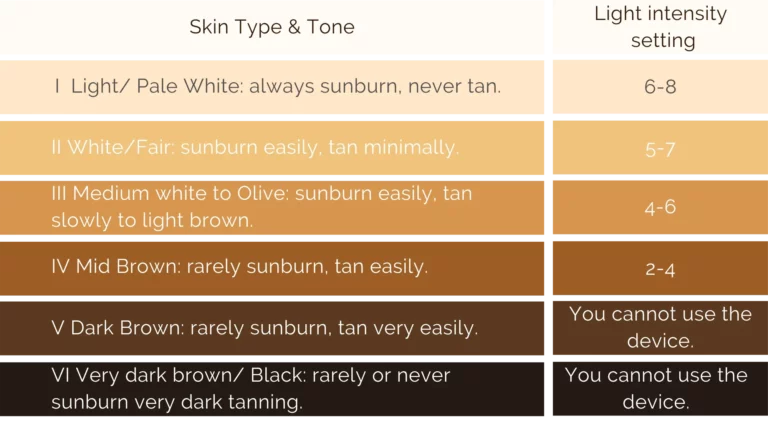
Check the skin color sheet and choose the right light intensity level to irradiate. (We suggest starting from level 1 for new users)
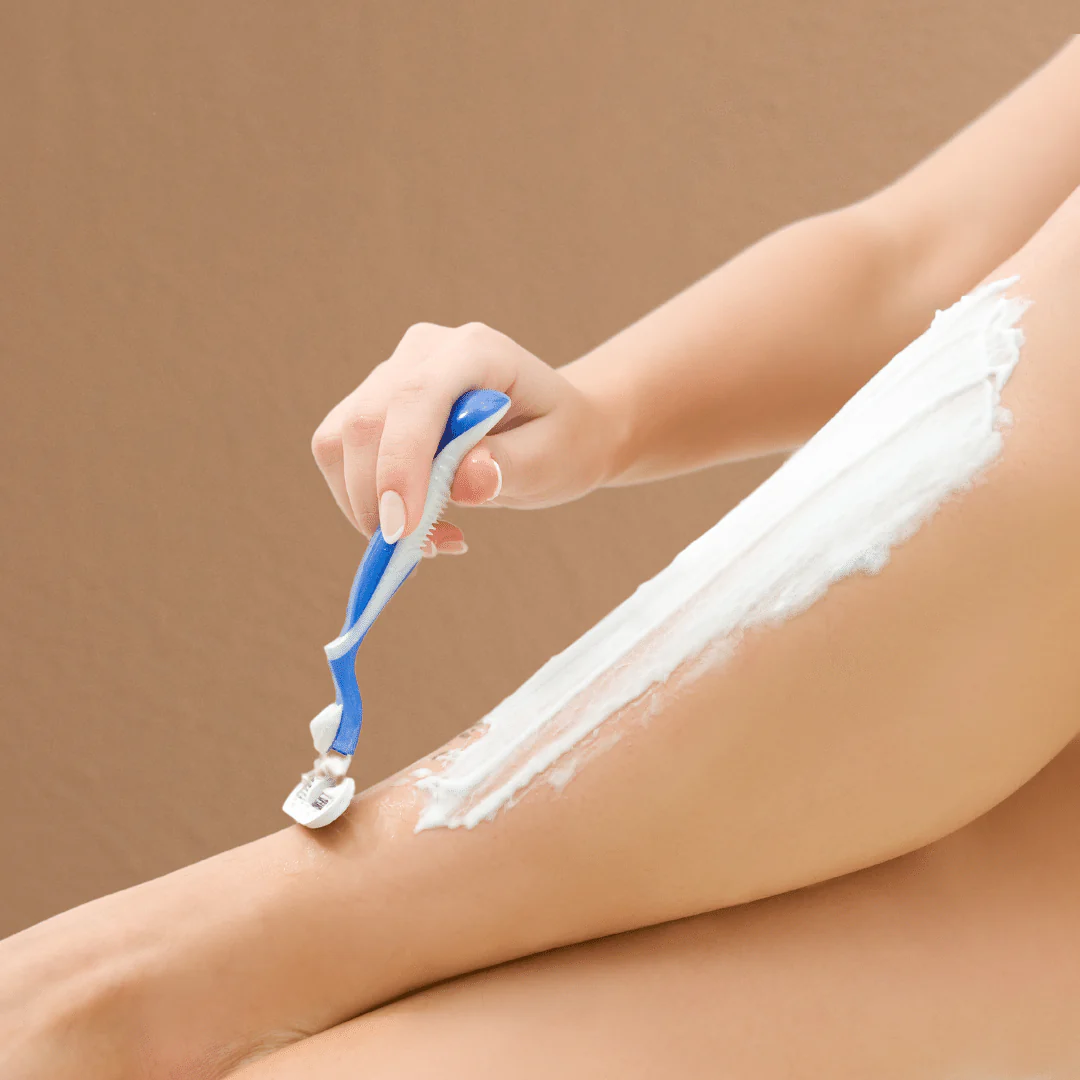
Shaving the surface of the skin area that you are going to irradiate the user
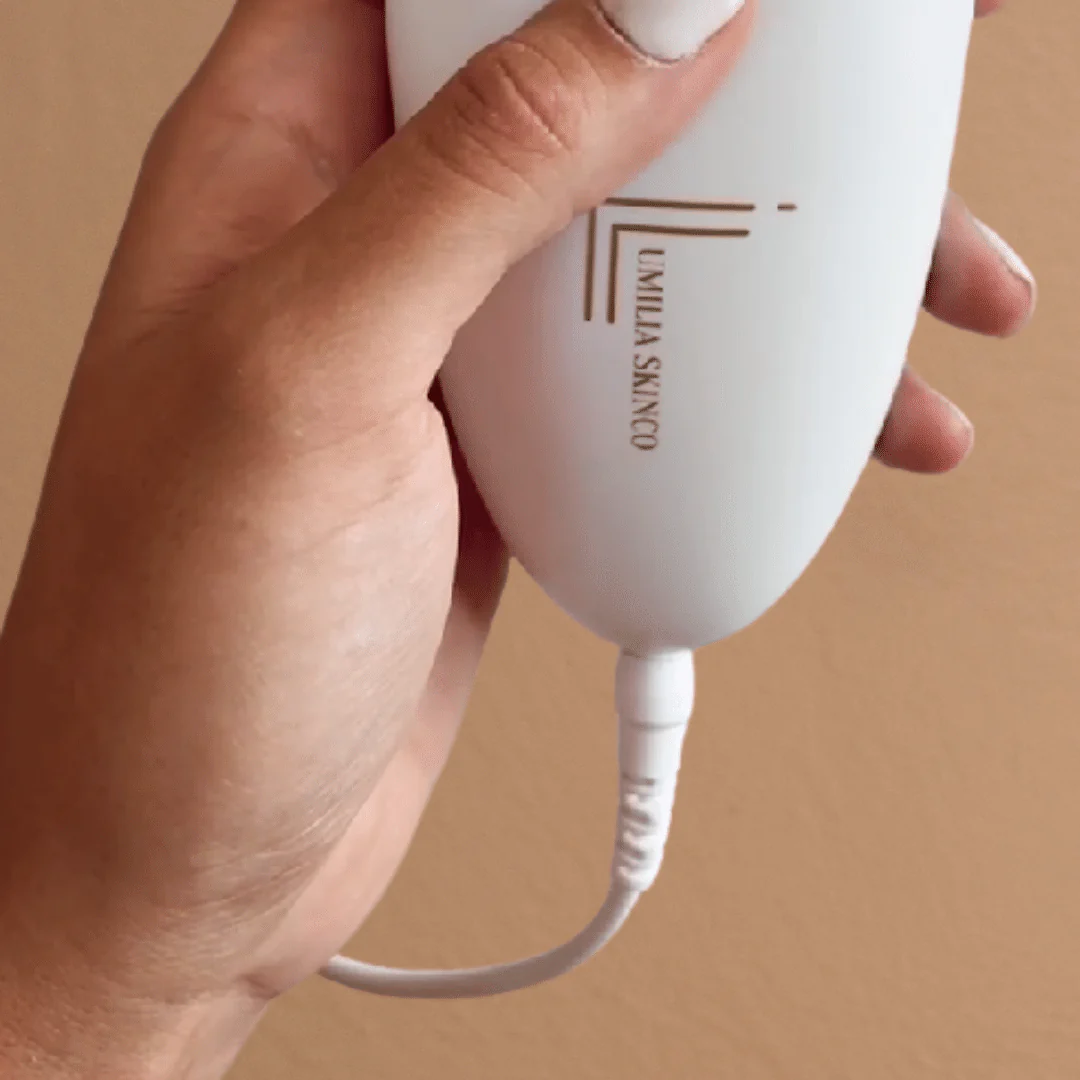
Plugin the power and long press ON/OFF button for 3 seconds to switch on the device.
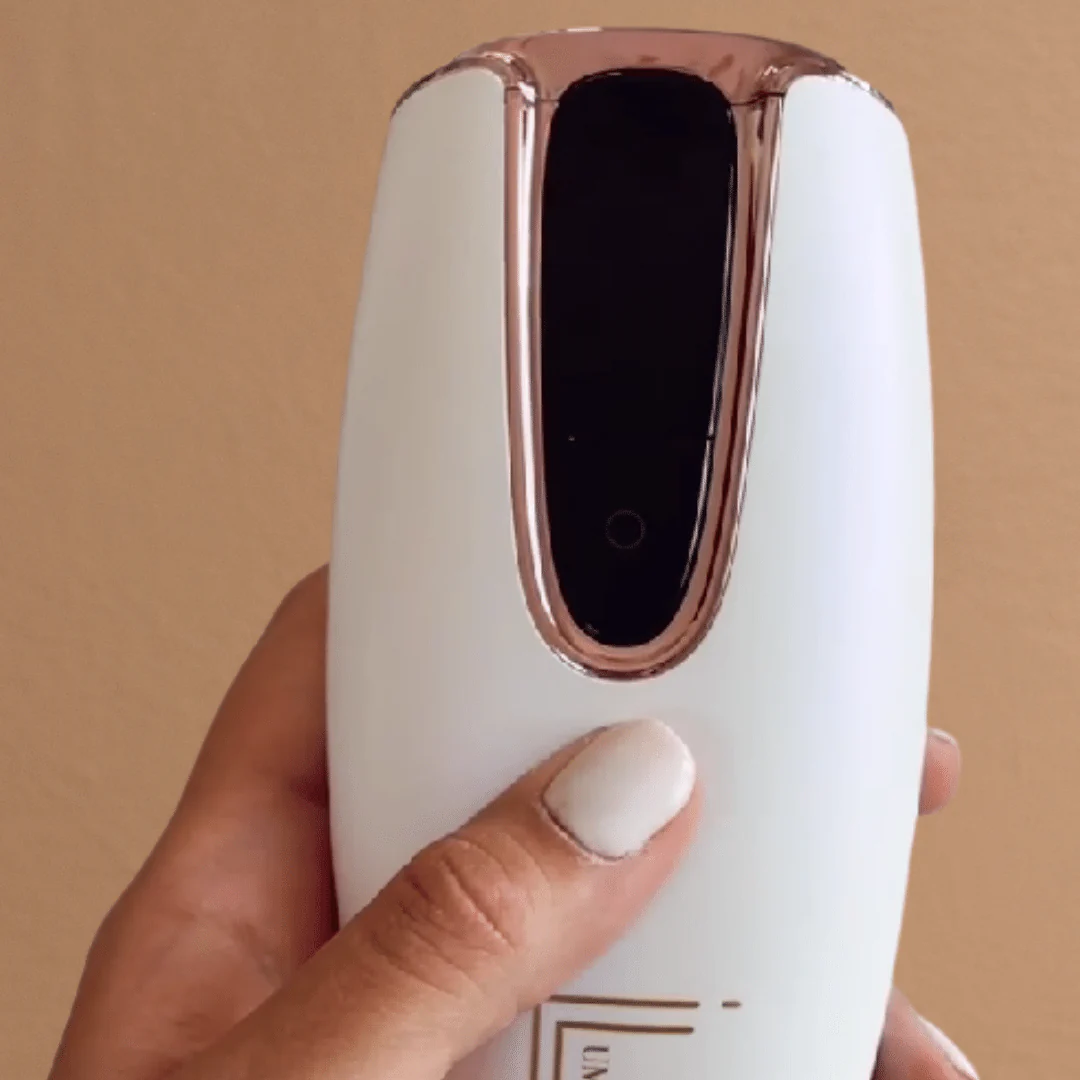
Short press the ON/OFF button to change the light intensity level.
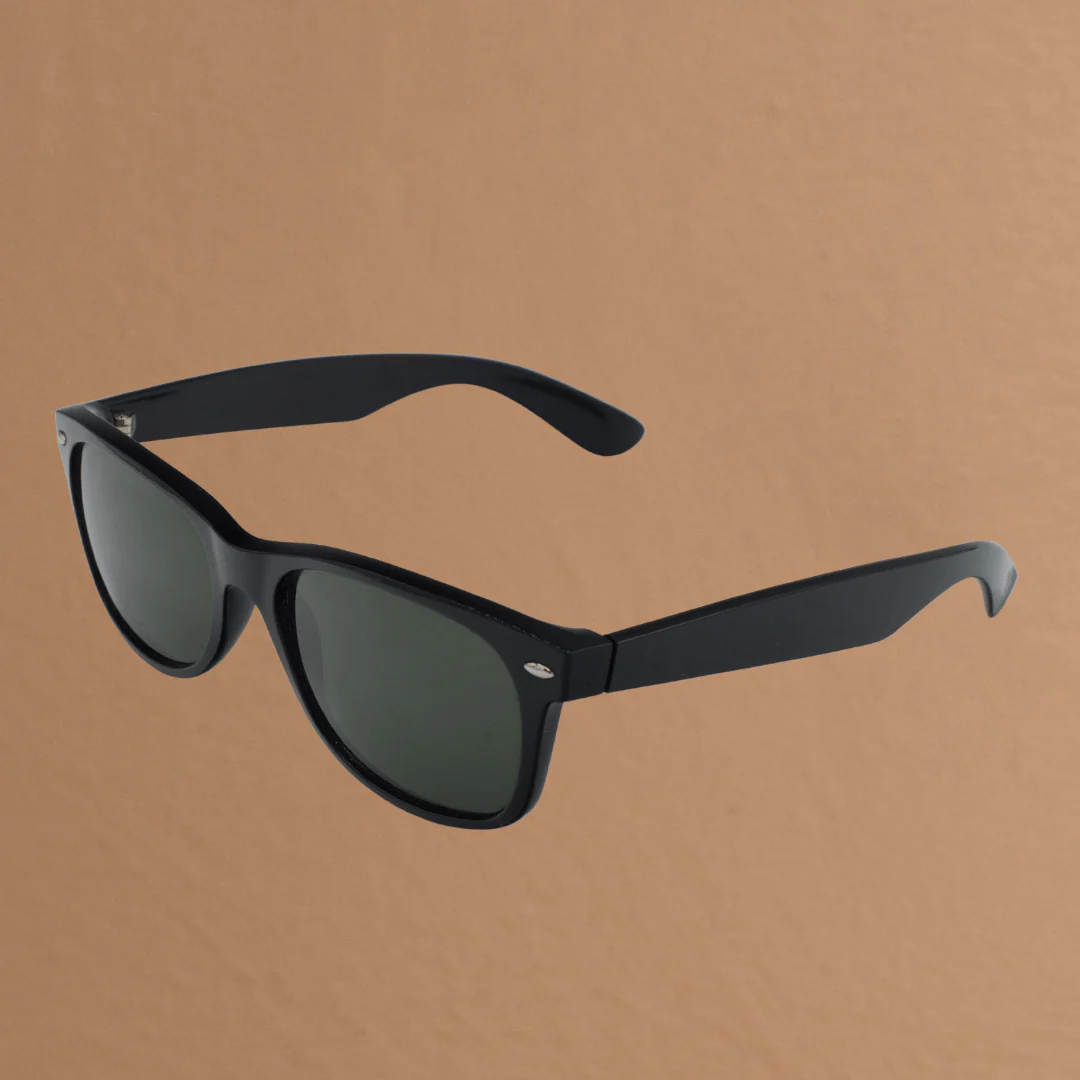
Wear the goggles to protect your eyes from flashing.
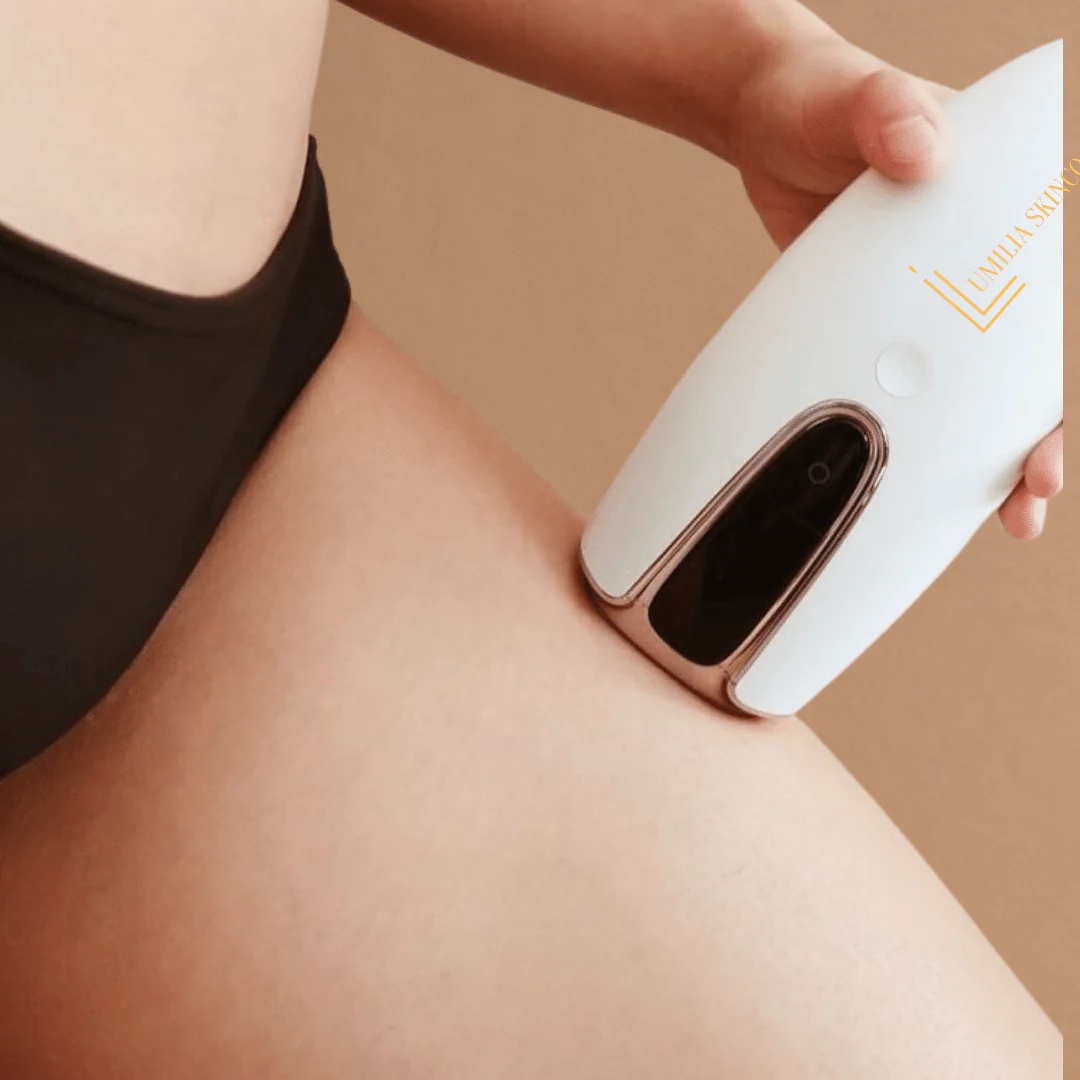
Put the device close to the skin at an angle of 90 degrees and press the flashing button.